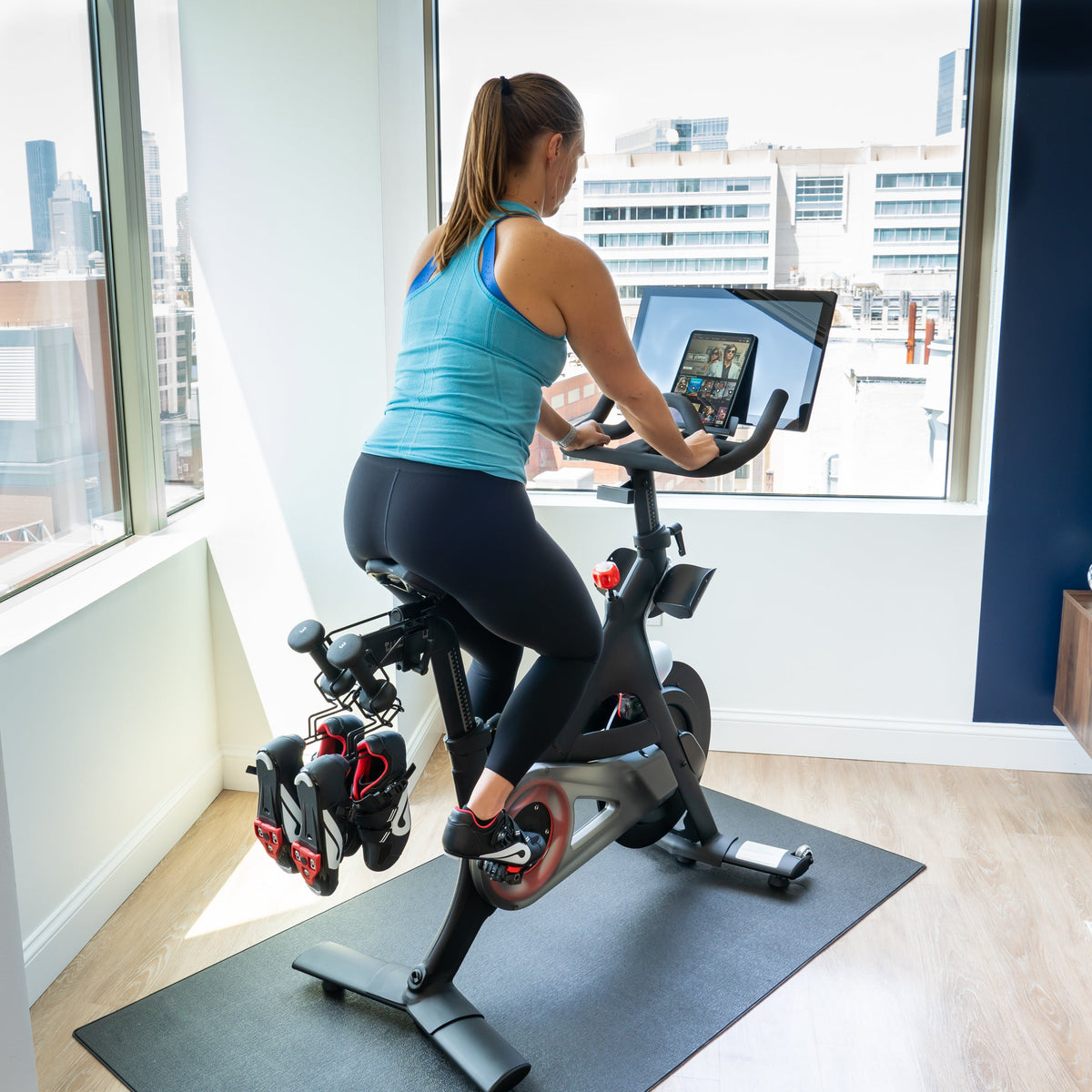

You clip in, tap the screen and... nothing. No logo, no lights, no class. Before you panic about a dead touchscreen, know this: most of the time a Peloton® that won’t turn on is a power problem, not a screen problem. A tired outlet, a loose plug or a worn out power supply is far more common (and far cheaper to fix) than a broken tablet.
This guide walks you through the checks in order, from free and fast to the point where swapping the power supply makes sense. Most riders can get through it in about 10 minutes.
Safety first: unplug the bike from the wall before you touch any connector, and stop right away if you see scorch marks or smell burning plastic.
Step 1: Know which bike (and which plug) you have

Peloton® bikes use two completely different power supplies, and they are not interchangeable:
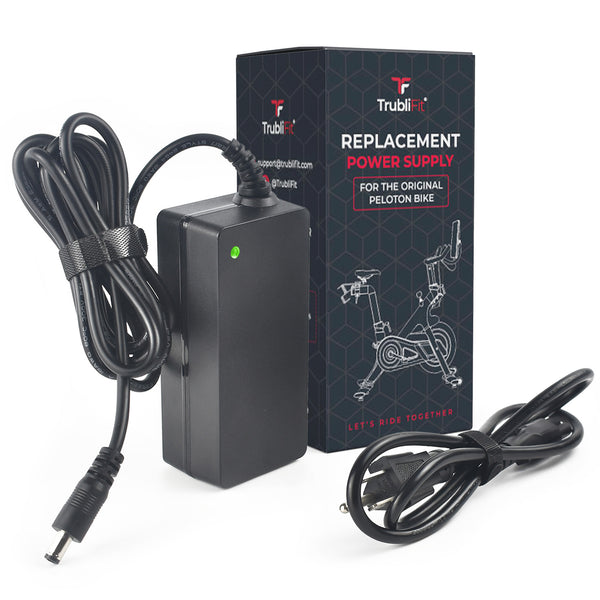
- Original Peloton® Bike and Cross Training Bike: a 12V power brick with a round barrel (DC jack) connector.
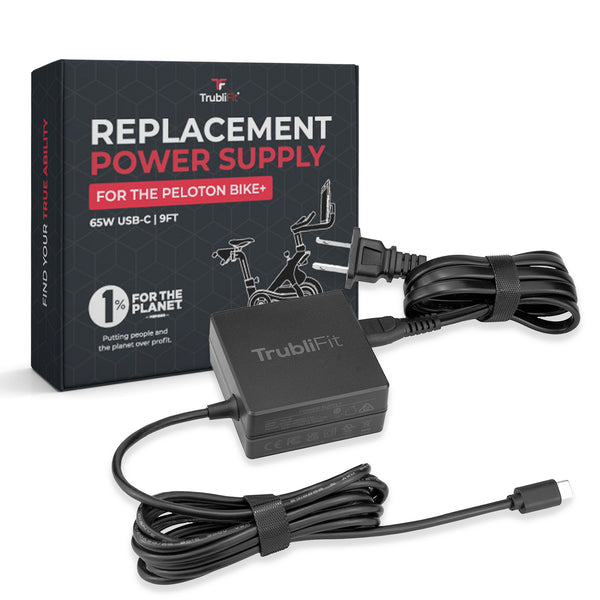
- Peloton® Bike+ and Cross Training Bike+: a 65W power brick with a USB C connector.
Quick way to tell: the Original Bike screen faces forward only, while the Bike+ screen swivels. If you bought your bike new in October 2025 or later, it is a Cross Training model.
Step 2: Rule out the outlet

-
Plug a lamp or phone charger into the same outlet. If it doesn’t work either, the problem is the outlet, not your bike.
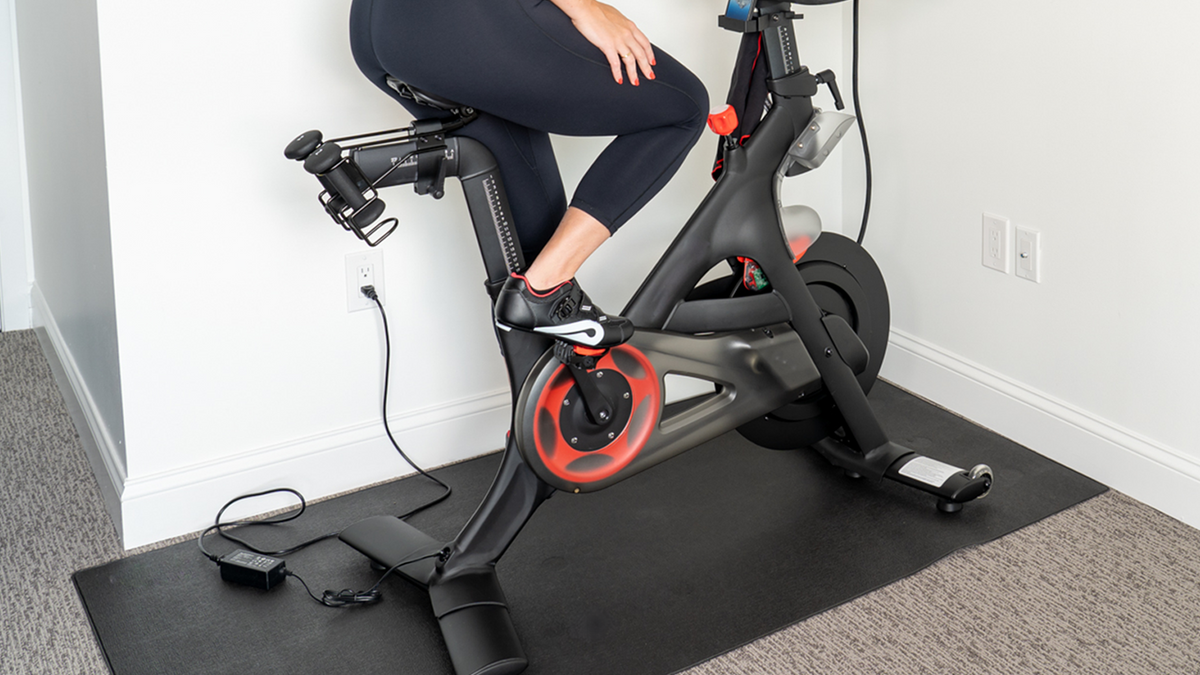
- Plug the bike straight into the wall. Power strips and surge protectors fail more often than you’d think and are a common cause of a “dead” Peloton®.
- Check whether the outlet is controlled by a wall switch, and look for a tripped breaker or a GFCI outlet that needs its reset button pressed.
Step 3: Look for the light on the power brick
Most Peloton® power bricks have a small indicator light. With the brick plugged into a working outlet:
- Light on: power is reaching the brick. Move on to Step 4.
- Light off (or flickering): the power supply itself is the most likely culprit. Jump to Step 6.

Step 4: Reseat every connection
Bikes get bumped, moved and vacuumed around, and connectors slowly work loose. Unplug and firmly reconnect each point:
- Wall plug into the outlet.
- The AC cord into the power brick (it can look plugged in while sitting halfway out).
- The power cord where it plugs into the bike.
- The cables on the back of the touchscreen.
While you’re there, run your hand along the full length of the cord. Look for frayed spots, kinks, pet bite marks, flattened sections from a chair or robot vacuum, and bent or blackened pins. Any of those means the cord should be replaced.

Step 5: Do a full power reset
- Unplug the power supply from the wall and from the bike.
- Wait until the light on the brick goes completely dark. On some Bike+ adapters this can take several minutes, so be patient.
- Plug the brick into the wall first, then into the bike.
- Press and hold the power button on the touchscreen for about 10 seconds, then give it a minute or two to boot.
If the screen comes to life, you’re back in business. If not, keep going.
Step 6: Signs your power supply is the problem
- No light on the brick, even in an outlet you know works.
- The bike powers on only when you wiggle the cord.
- The screen randomly shuts off mid ride.
- The brick gets very hot, buzzes or smells.
- Visible damage: frays, cracked housing, bent pins.
- The original cord went missing during a move (it happens a lot).
If any of these sound familiar, a replacement power supply is the fastest, cheapest fix to try before you assume the screen is dead.
Pick the right replacement power supply
| Your bike | Connector | Output | Get this one |
| Original Peloton® Bike and Cross Training Bike | Round DC barrel | 12V 4.17A | Power Supply for the Original Peloton® Bike and Cross Training Bike |
| Peloton® Bike+ and Cross Training Bike+ | USB C | 65W (20V 3.25A) | Power Supply for the Peloton® Bike+ and Cross Training Bike+ |
For the Original Peloton® Bike and Cross Training Bike

The TrubliFit Power Supply for the Original Peloton® Bike and Cross Training Bike is a direct replacement 12V 4.17A adapter with the round barrel connector. It works with Original Peloton® Bike models PLTN-RB1V1, PLTN-RB1VO and PLTN-RB1VQ, plus the Cross Training Bike.
- 8.2 ft of total reach (2.6 ft AC cable plus 5.6 ft DC cable), so you have more freedom where you place the bike
- UL, FCC, CE and RoHS certified
- 1 year warranty and our Love It guarantee
- Not for the Bike+ or Cross Training Bike+
Shop the Original Bike power supply →
For the Peloton® Bike+ and Cross Training Bike+

The TrubliFit Power Supply for the Peloton® Bike+ and Cross Training Bike+ is a 65W USB C replacement built for the Bike+ (model PL-02) and the Cross Training Bike+.
- 9 ft of total cable length
- UL, FCC, CE and RoHS certified
- 1 year warranty and our Love It guarantee
- Not for the Original Peloton® Bike or Cross Training Bike
Still dark after a new power supply?
If the brick’s light is on, every connection is snug and the screen still won’t wake up, the issue is likely inside the bike or the touchscreen itself. At that point, reach out to Peloton Support, especially if your bike is still under warranty. Please don’t open up the frame or the screen yourself.
Quick FAQ
Can I use a Bike+ power supply on an Original Bike?
No. The connectors and voltage are different. Original Bike and Cross Training Bike use a 12V barrel plug, while Bike+ and Cross Training Bike+ use 65W USB C.
Can I use a random laptop charger?
We don’t recommend it. A charger with the wrong voltage or wattage can leave the bike underpowered or damage it. Stick with one that matches your model.
Does the Cross Training Bike use the same power supply as the Original Bike?
Yes. Our Original Bike power supply fits the Cross Training Bike too, and our Bike+ power supply fits the Cross Training Bike+.
How long do Peloton® power supplies last?
It varies. Cords get stepped on, chewed by pets and tugged when the bike gets moved. If yours is damaged or running hot, replace it before it leaves you without a ride.
TrubliFit is an independent brand and is not affiliated with, endorsed by or sponsored by Peloton Interactive, Inc. Peloton® is a registered trademark of Peloton Interactive, Inc.